Blog posts now have a publication date you can change. Give a post a future date and it's scheduled: it goes out on its own at that time. It's already in every account, with nothing to switch on.
How it works
In the post editor, next to the status, there's a new field: "Publication date".
- Leave it empty and the post takes the date and time you publish it.
- With a past date, the post appears with that date. Handy when you bring posts over from an old website and don't want them all dated today.
- With a future date, the "Save & publish" button changes to "Save & schedule", and the post stays off your website until its time comes.
The post list has a new "Scheduled" tab, and each scheduled post shows underneath when it goes out.
When the time comes
You don't have to do anything. At the set time, the post appears on your blog and in the sitemap that search engines read, and it goes into the next automatic newsletter if your plan includes one. Until then, visitors can't see it anywhere, even with the link.
Your website orders posts by publication date, not by the day someone started writing them: a post that sat in draft for three weeks goes to the top the day it's published. Posts that were already published keep the date they showed, so nothing on your website has moved.
The cover asks for alternative text
Next to the cover image there's another new field, "Alternative text": a sentence describing what the photo shows. Screen readers used by blind and partially sighted people read it aloud, and search engines read it too, since they can't see the image.
You need it in your website's main language to publish, but not to save a draft. In other languages, if it's missing, the website uses the post's title, as before. Posts that were already published stay as they are, and the editor will ask for it the next time you save them.
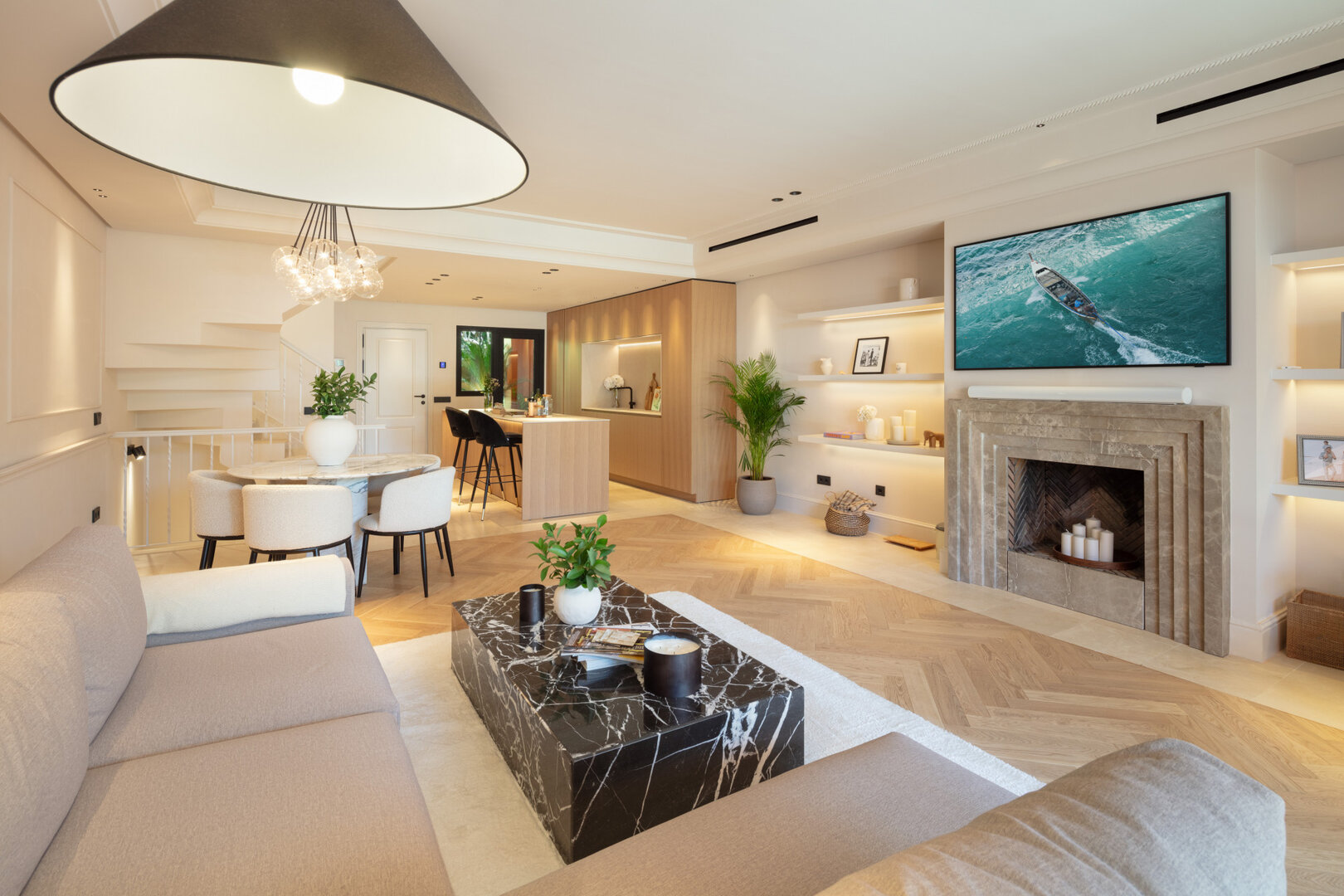
Good alternative text is short and specific. "Living room with a fireplace and doors onto a sea-view terrace" helps. "Living room photo" doesn't, and neither does "luxury villa for sale Marbella", because it says nothing about what's in the photo.